
AI Crying Trend Video Generator
Upload one selfie and get the viral AI crying video: a night street scene where your smile slowly breaks into tears before you turn and walk away. No prompt, no editing.
- $4.99 per video
- Refunded if it fails
- No subscription
- 1Upload a selfie
- 2Make the video
- 3Post it
≈ $4.99 with a credit pack✓ Refunded automatically if it fails · usually ready in 1–3 minutes
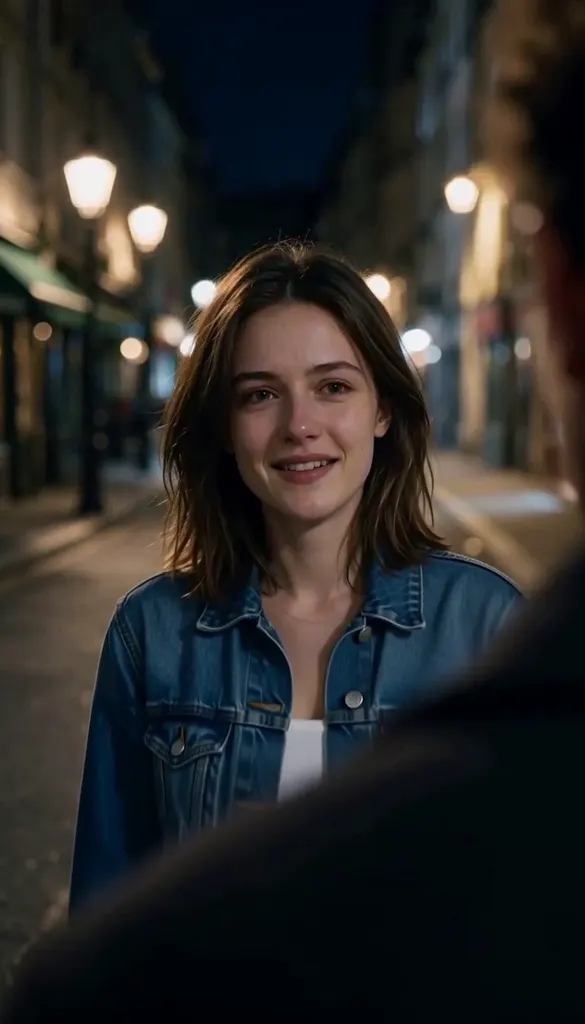
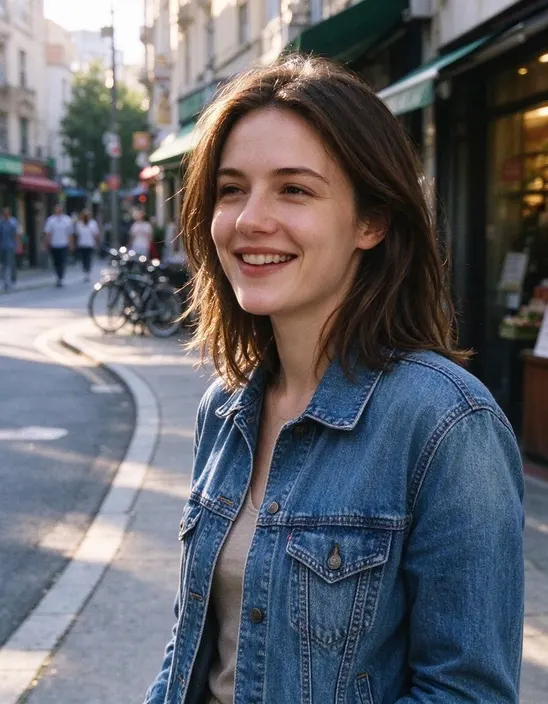 PhotoExample
Real AI crying trend videos
Real results from one photo each. Tap a video to play it with sound.
Photo Photo
Photo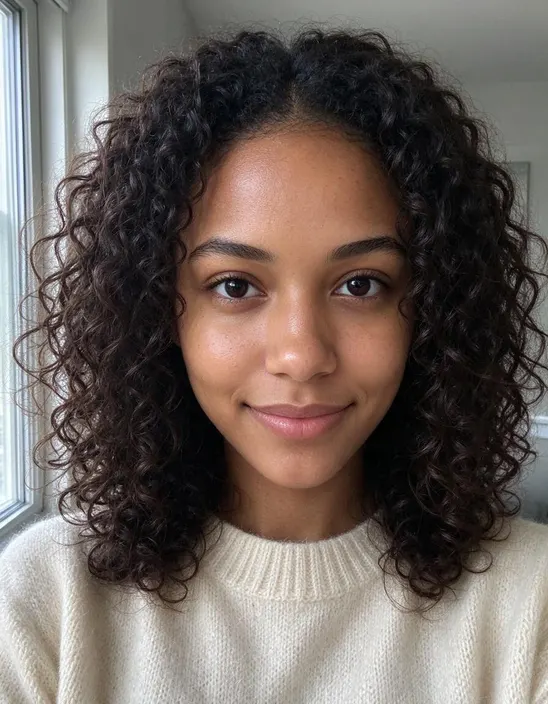 Photo
PhotoMake your crying video in 3 steps
- 1Upload a selfieOne person, face clearly visible, both eyes open. A head-and-shoulders photo works best.
- 2Make the videoTick the consent box and press the button. We turn your photo into a night film scene, then animate it. Ready in about a minute.
- 3Post itDownload the 9:16 video and post it to TikTok, Reels or Shorts. Add the trending sound in the app if you like.
A breakup scene from a selfie
The AI crying video is one of the most shared photo-to-video trends of the season. One still photo becomes a short drama: a warm-lit street at night, someone blurred in the foreground, the camera slowly moving in as your smile fades, your eyes fill and tears roll down before you turn and walk away. It's dramatic on purpose, and that's the joke: the trend lives on captions like "when he says he's going to the gym" or "me after the last episode".
How we make it
Most apps animate your photo as it is, so the background stays your bedroom or office and the scene never looks like the trend. We do it in two steps. First, an image model turns your photo into a vertical film still on a night street, keeping your face, hair and clothes. Then a video model animates that still into a 10-second video with sound. You get the full scene, not a crying filter on top of a selfie.
Tips for a better video
- One person, close to the camera. Faces that fill more of the frame cry more convincingly.
- Both eyes visible. Sunglasses, hair over the eyes or strong shadows weaken the effect.
- Post it vertical. The video is 9:16, ready for Reels, TikTok and Shorts.
One price per video, no subscription
Pay once for 1, 3 or 6 videos, no subscription. Each video costs 200 credits; credits last a year and come back if a video fails.
- 200 credits
- Credits valid for 365 days
- Credits come back if a video fails
- 600 credits
- Credits valid for 365 days
- Credits come back if a video fails
- 1,200 credits
- Credits valid for 365 days
- Credits come back if a video fails
Prices in USD. One-time payment: no subscription, nothing renews.
AI crying trend FAQ
- What is the AI crying trend?
- A short video made from one photo: you stand on a city street at night, smile, then your eyes fill with tears and you turn and walk away. Nothing is filmed; the whole scene is generated by AI. It took off on TikTok and Instagram in late September 2026.
- How do I make an AI crying video?
- Upload one selfie, tick the consent box and press Generate. We first turn your photo into a cinematic night still, then animate it into a 10-second video with sound.
- How much does it cost?
- Each video costs 200 credits, paid with purchased credits. A credit pack is a one-time payment, not a subscription. If a video fails, the credits come back automatically.
- What photo works best?
- A sharp, front-facing photo of one person with both eyes visible and even light on the face. No sunglasses and no group photos. A soft smile is perfect.
- Does it change my face?
- No. The scene, the light and the camera change; your face, hair and clothes stay the same. Only your expression changes to tell the story.
- Does the video have sound?
- Yes, a soft piano soundtrack is generated with the video. You can mute it and add the trending sound in TikTok or CapCut before you post.
- Can I use a photo of someone else?
- Only of an adult who agreed to it and knows where it will be posted. Photos of children and celebrities aren't allowed.